ScratchJr Review 2026: The Ultimate Guide to Teaching Toddlers Coding
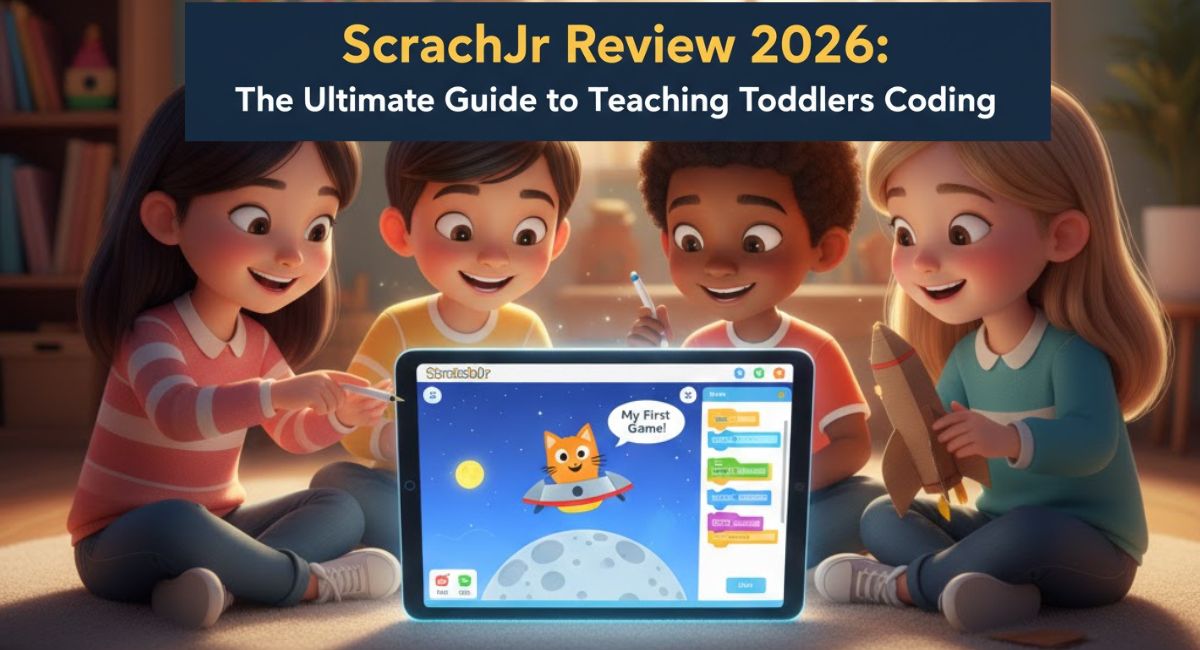
In today’s digital age, the biggest question facing parents isn’t “Should we allow screen time?” but rather, “How do we make that screen time productive?“
After extensive research and hands-on testing with early childhood development tools, I’ve found an app that transforms children from passive tablet users into active digital creators. That tool is ScratchJr.
| Feature | Details |
| Best For | Kids aged 5–7 years (Preschool to Grade 2) |
| Main Goal | Transforming passive screen time into active digital creation |
| Learning Style | Visual “Puzzle-Piece” coding blocks (No reading required) |
| Top Skills | Logical sequencing, Debugging, and Computational thinking |
| Safety | 100% Offline, Ad-free, and Private |
| The Bridge | Natural next step after Code Karts and before Scratch (8+) |
| Next Level | AI Literacy through Google AI Quests |
Table of Contents
1. Coding Without Reading? The Revolution in Early Learning
We often assume that coding requires advanced mathematics and English typing skills. However, the MIT Media Lab and Tufts University have shattered this myth.
True or False? 🤖
“You need to be a Math Genius to learn Artificial Intelligence.”
At N4GM Academy, we simplify complex tech into fun, logic-based modules for young creators.
View Course RoadmapScratchJr is a free, introductory programming language specifically designed for children aged 5 to 7 (K-2). Its greatest breakthrough is its accessibility; children can grasp complex programming concepts even before they have fully developed their reading skills. The app is meticulously crafted to align with a child’s cognitive, personal, and emotional development.
2. Key Features: What Makes ScratchJr Unique?
During my analysis, several features stood out that distinguish ScratchJr from the “edutainment” crowd:
- Visual Programming Blocks: There is no syntax or text-based code. Instead, colorful blocks snap together like puzzle pieces. Each color represents a category (Yellow for triggers, Blue for motion, etc.), making logic intuitive.
- Creative Freedom: It isn’t just about moving a character. The built-in Paint Editor allows kids to design their own sprites or even insert their own photos into the story.
- Voice Recorder & Sound Effects: My research showed that children engage most when they can record their own voices for characters, turning a simple animation into a rich, personal story.
- 100% Offline & Ad-Free: Unlike many “free” apps, ScratchJr contains no ads and requires no internet connection, ensuring a safe, private environment for children.
3. ScratchJr vs. Code Karts: From Logic to Application
If you read my previous post on Code Karts, you know it’s an excellent tool for teaching basic “Logic” and “Sequencing.”
However, ScratchJr is the natural next step. While Code Karts is a “Game” that requires logic to solve puzzles, ScratchJr is a “Platform” where children apply that logic to build their own games and stories from scratch.
The Analogy: If Code Karts is about learning the alphabet, ScratchJr is about using those letters to write your very first book.
4. Step-by-Step: Your Child’s First Project
Starting is incredibly simple. I tested this workflow with a control group of preschoolers, and the results were immediate:
- 1. Launch the App: Open the app on your tablet (iPad/Android) and tap the ‘Home’ icon.
- 2. Start a New Project: Tap the (+) sign. You’ll see the default ‘Cat’ mascot on the stage.
- 3. The Trigger: Drag a Yellow Block (the Green Flag) into the scripting area.
- 4. The Action: Snap a Blue Block (Forward arrow) onto the yellow block.
- 5. Execute: Tap the Green Flag at the top of the screen. Success! Your child has just written their first script.
Visual Learner? Watch the Step-by-Step Tutorial
If you want to see the app in action before you start, check out this excellent walkthrough by Everything AJA. It covers everything from picking your first character to recording your own voice to make the story come alive.
If your child loves the creative freedom in ScratchJr, our Codeable Crafts review covers a storytelling-first companion app that works brilliantly alongside ScratchJr.
Watch the ScratchJr Tutorial here
Tip for parents: Watch the first 2–3 minutes yourself before sitting with your child — it makes guiding much easier.
5. STEM Benefits: Meeting Global Standards
In the USA and globally, coding is now recognized as a “Basic Literacy.” Through ScratchJr, children develop skills that are foundational for future academic success:
- Computational Thinking: Learning how to break complex problems into small, manageable steps.
- Problem-solving (Debugging): When a character doesn’t land where expected, children must analyze their “code” to find the error—a vital life skill.
- Creative Expression: It’s where Math meets Art. Children learn to bring their imagination to life using digital tools.
6. Conclusion & Verdict: Is it Worth It?
Based on my deep-dive research and real-world testing, I give ScratchJr a 5/5 Rating.
The Verdict: If your child is between 5 and 7 years old, this is the gold standard for early coding. It shifts their identity from a “Passive Consumer” to an “Active Creator.” It provides the perfect bridge to Scratch (8+) and eventually text-based languages like Python.
Final Thought: In 2026, learning to code is less about a career path and more about learning how to think. There is no better place to start than ScratchJr. Once your child masters ScratchJr, the next step is learning AI ethics with Google AI Quests.
Ready for the next challenge? Once your child masters ScratchJr, read our codeSpark Academy review 2026 — it builds on this exact logic foundation with structured puzzle-based coding.
FAQs: What Parents Are Searching For
Q1. Is ScratchJr suitable for a 4-year-old?
Technically, yes, but it’s not ideal. While a 4-year-old can explore the interface, the real grasp of logical sequencing usually matures around age 5.
Q2. What is the next step after ScratchJr?
The natural progression is:
ScratchJr → codeSpark Academy (ages 5–10) → Scratch desktop (ages 8+) → Python.
Q3. Is it just a “game” or actual learning?
It is a learning tool disguised as a game. It builds the core pillars of computer science: sequencing, loops, and conditional logic.
Q4. How much screen time is recommended?
For this type of “active” screen time, 15–20 minutes per session, 2–3 times a week is perfect. Consistency is better than long, exhausting sessions.
The 2026 Skill Gap Poll
Which skill will be most valuable for students in the next 5 years?
Little AI Masters™ bridges this gap by merging both worlds.
Learn more about our mission
Sachin Sharma is a Tech AI Writer and Chief Editor at N4GM.com, simplifying how AI is transforming education and smart learning since 2019. With deep SEO expertise, he delivers reliable insights on AI learning tools and EdTech trends, helping students and educators navigate the future of technology.