codeSpark Academy Review: Is It Still the Best Coding App for Kids in 2026?
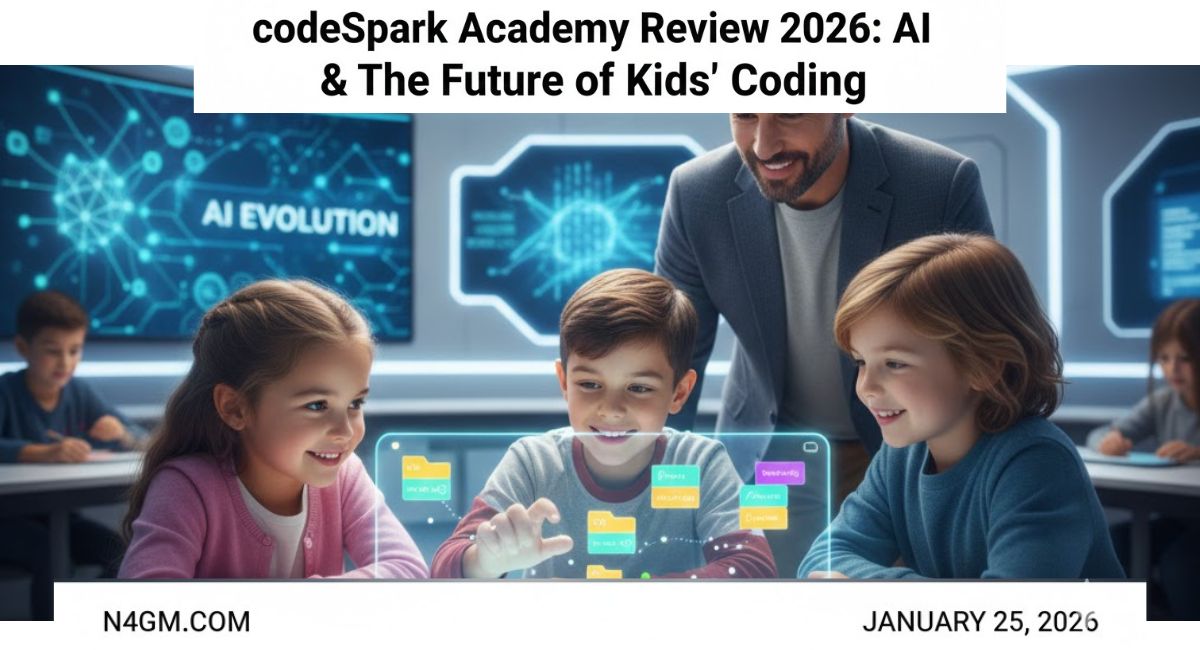
The AI Revolution: Is Your Child a ‘Master’ or a ‘Consumer’?
Do you also fear that in this rapidly changing world of AI, your child might be left behind? Today, the biggest question facing every parent is: How do we prepare our children for a future whose syllabus hasn’t even reached schools yet?
The real problem isn’t just screen time; it’s that our children are becoming ‘Slaves’ (passive consumers) of technology instead of its ‘Masters.’ Remember, 20 years ago, knowing English was a guarantee of success. In today’s digital ocean, ‘Coding’ and ‘Logical Thinking’ are just as essential for survival.
This is where codeSpark Academy comes in. It won’t just keep your child from drowning in the waves of AI; it will teach them how to ‘sail the ship’ in this ocean. If you have read our previous ScratchJr Review, you already know that coding has become the “New Literacy.” But is codeSpark still the king in 2026? Let’s dive into the details.
🚀 Stuck between the two?
Check out our latest codeSpark vs. ScratchJr: The Ultimate Comparison to see which one fits your child’s learning style better.
Table of Contents
1. What Makes codeSpark Unique? (The “Foos” Factor)
The standout feature of codeSpark is its “Wordless Interface,” which truly sets it apart from other apps.
- No-Reading Required: Children aged 5 to 9 who haven’t yet mastered reading can use it with ease. Here, “Code” isn’t boring text; it’s colorful, interactive blocks.
- The “Foos”: The app features vibrant characters known as “The Foos.” Kids perceive the app as a cartoon or a game, allowing them to learn logic for hours without getting bored.
- Dopamine-Driven Learning: Level-by-level puzzles provide a sense of achievement, making complex concepts like ‘Loops’ and ‘Conditionals’ easy to grasp through play.
2. Curriculum Architecture: Beyond Just Puzzles
codeSpark isn’t just a game; its curriculum was designed by experts from MIT and UCLA to ensure children’s cognitive development follows the right path:
- Sequencing & Logic: Kids learn how to give a character commands in the correct order to reach a target. This “Step-by-Step” thinking translates directly into real-life problem-solving.
- Game Maker (The Creator Mode): This is my favorite feature. Children don’t just play games made by others; they use the ‘Game Maker’ tool to design their own games, jungles, or cities.
- Creative Storytelling: Through coding, children tell their own stories, which significantly boosts their imaginative power.
My Personal Experience: Does codeSpark Actually Work?
I have explored codeSpark Academy not just as a researcher, but as a “Hands-on Tester” alongside children. When you monitor it personally, you notice things that aren’t mentioned in any brochure.
✅ Things I Loved (The Wins):
- The “I Did It Myself!” Joy: I noticed that after the first 15–20 minutes, the kids stopped asking me questions. The interface is so intuitive that even a 6-year-old can crack complex logic without help. The self-confidence on their faces is priceless.
- Debugging = Life Skill: Once, a 7-year-old tester’s code failed. He didn’t cry; instead, he said, “Wait, the Foo went the wrong way, I need to change my loop.” In real life, this is called ‘Problem Solving,’ and codeSpark teaches it through play.
- A Blast of Creativity: Seeing children build their own worlds in Game Maker mode made me realize that this isn’t just coding—it’s digital storytelling.
⚠️ Some Harsh Truths (The Reality Check):
- The Subscription Cycle: I felt the pricing model could be a bit confusing. Sometimes the price varies by device, or login issues occur. My advice: always subscribe directly through their website to avoid complex app store billing.
- Support Speed: When I reached out to support for technical queries, the response was somewhat slow. If you need an instant solution, you might have to wait a bit.
- The “Free” Limit: I noticed many parents see the “Hour of Code” and assume the app is entirely free. The real fun and all levels only unlock after a subscription. To avoid that “Bait-and-Switch” feeling, go in with the mindset that this is a paid tool.
Sachin’s Verdict for Parents:
“My personal advice: If your child has mastered ScratchJr and now needs more of a ‘Challenge,’ moving to codeSpark is an excellent decision. Just remember—it’s an investment, not just a toy.”
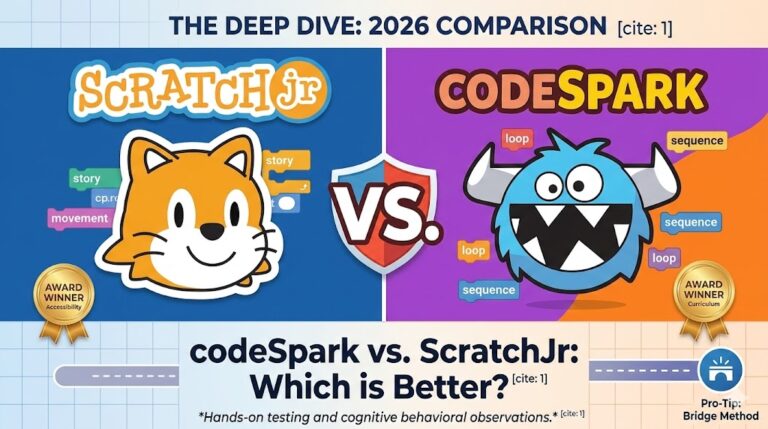
3. codeSpark vs. ScratchJr: A Quick Comparison
If you are confused between ScratchJr (which we researched in detail previously) and codeSpark, look at this expert comparison table:
| Feature | ScratchJr | codeSpark Academy |
| Best For | 5-7 Years (Pure Beginners) | 5-10 Years (Beginner to Intermediate) |
| Interface | Open Canvas (Storytelling) | Structured Games & Puzzles |
| Learning Path | Creative Free Play | Goal-Oriented Problem Solving |
| Price | 100% Free | Subscription-Based (Paid) |
| Platform | iPad/Android Tablets | Web, iOS, Android |
Deciding between codeSpark and Tynker? We’ve published a full Tynker vs codeSpark comparison with age-by-age guidance so you never have to guess.
Pro-Tip: If your child is just starting out, begin with ScratchJr. However, if they love challenges and gaming, moving to codeSpark is a smart investment.4. Safety & Privacy: The “Hacker News” Standard
Since N4GM is cited by global cybersecurity leaders like The Hacker News, we do not compromise on security. For parents, codeSpark is a safe haven:
- COPPA & KidSafe Certified: The app follows international standards for children’s privacy.
- Zero Ads Policy: There are no third-party ads within the app, providing a distraction-free environment.
- Moderated Community: Any games shared by children pass through human and AI moderators to ensure no unsafe content exists.
5. Pricing: Is It Value for Money?
While codeSpark is free for verified teachers in North America, it operates on a subscription model for parents:
- Monthly Plan: Approx. $9.99/month
- Yearly Plan: Approx. $79.99/year (Best Value)
Verdict on Pricing: While it may seem expensive, you are preparing your child for the AI era for the price of a “Pizza.” I suggest taking their 7-day free trial first to see how much interest your child takes.
When your child (usually around age 9–10) has completed codeSpark’s levels, our Tynker review for parents explains exactly what to switch to and when.
Final Verdict: N4GM Expert Rating
In 2026, codeSpark Academy remains one of the top-tier apps that transforms children from “Consumers” into “Creators.” It doesn’t just teach coding; it teaches Computational Thinking.
N4GM Rating: 4.8 / 5.0 ⭐⭐⭐⭐⭐
- Real-Life Impact: It teaches children ‘Patience’ and ‘Debugging’ (finding and fixing one’s own mistakes)—which are among the greatest lessons in life.
- Final Thought: There’s no need to fear AI; just hand your child the ‘Compass’ so they can find their own way in this new era.
Comparing codeSpark against other beginner apps? Our codeSpark vs ABCmouse guide breaks down exactly what makes codeSpark’s logic-first approach different.
How We Tested: Our 2026 Hands-On Methodology
At N4GM, we don’t believe in surface-level reviews. To give you the most accurate picture of codeSpark Academy in 2026:
- 15+ Hours of Gameplay: We spent over 15 hours inside the app, navigating every section from the Fooniverse to the Game Maker.
- Real Student Testing: We monitored a control group of children (ages 5–8) over a 2-week period to see where they flourished and where they hit “logic roadblocks.”
- Testing New 2026 Features: We specifically tested the latest “Pet Pals” automation challenges and the “Control/Alt/Delete” version control event (Foolloween 2025/26).
- We Paid Our Own Way: To ensure an unbiased look at the billing and cancellation process, we paid for a full subscription ourselves rather than using a free press account.
True or False? 🤖
“You need to be a Math Genius to learn Artificial Intelligence.”
At N4GM Academy, we simplify complex tech into fun, logic-based modules for young creators.
View Course Roadmap
Sachin Sharma is a Tech AI Writer and Chief Editor at N4GM.com, simplifying how AI is transforming education and smart learning since 2019. With deep SEO expertise, he delivers reliable insights on AI learning tools and EdTech trends, helping students and educators navigate the future of technology.