CodeKarts vs ScratchJr: Which Coding App Is Actually Right for Your Kid?
Most “coding app for kids” comparisons ask the wrong question. They ask which app is more fun, which has better graphics, or which one wins on a star rating. Parents don’t actually need that answer. They need to know if their specific child, at their specific stage, can use the app without frustration.
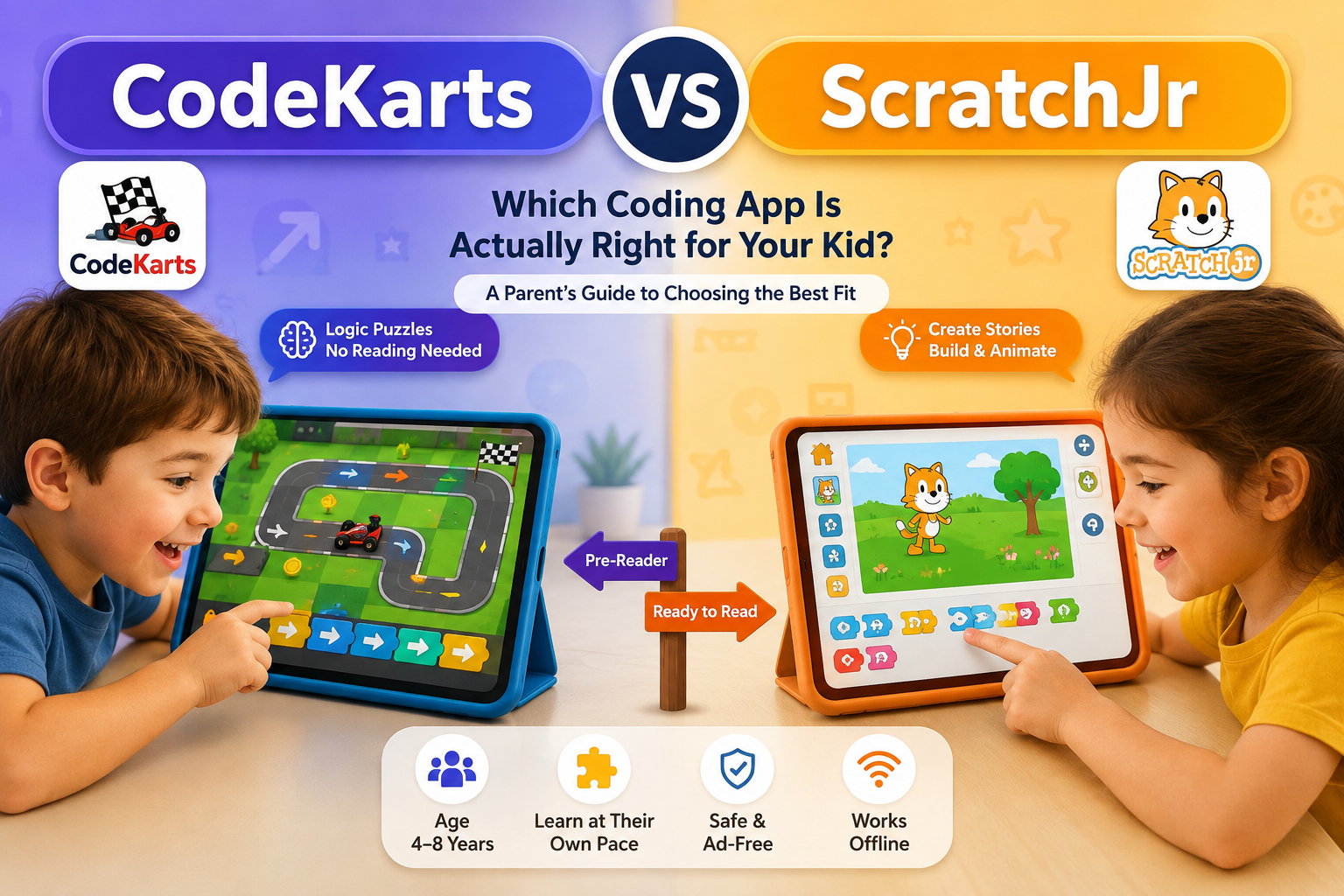
CodeKarts and ScratchJr get compared constantly because they sit in the same age bracket and cover the same broad goal: early computational thinking. But they’re built on two different assumptions about what a young child can already do. One assumes your child can’t read yet. The other assumes they’re starting to.
That single difference decides almost everything else in this comparison.
The Real Question Isn’t “Which Is Better” — It’s “Can Your Kid Read Yet”
Quick verdict: If your child is 4 or a pre-reader, start with CodeKarts. If your child is reading independently and wants to build things, not just solve puzzles, ScratchJr is the stronger fit. If you’re not sure, the sequencing strategy further down this page — using both, in order — solves that uncertainty for you.
CodeKarts was designed around a racetrack puzzle that a nonreader can solve using pictures and arrows alone. ScratchJr was designed around a creative canvas where kids build stories and animations, which naturally involves more menus, more choices, and more incidental reading, even though the programming blocks themselves are icon-based.
Neither app is “easier.” They’re solving different problems for different developmental stages.
What CodeKarts Actually Teaches (And What It Doesn’t)
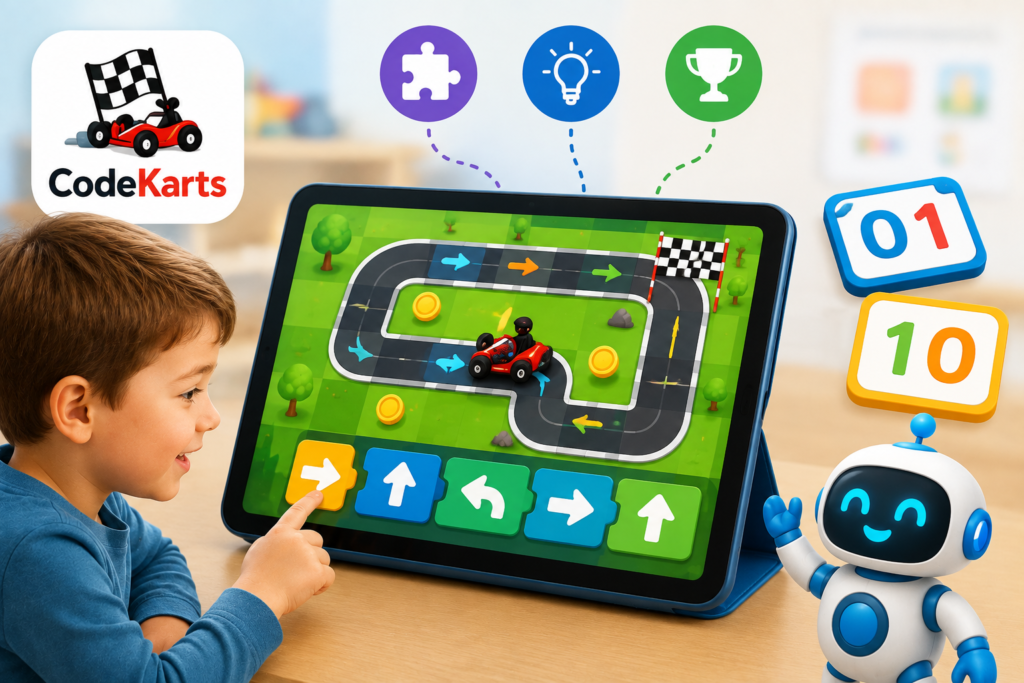
CodeKarts, made by Edoki Academy, is a pure logic-and-sequencing game built around racetrack puzzles. Kids look at a track, then arrange directional bricks — turn left, turn right, go straight — to guide a small car to the finish line. There’s no typing, no menus to read, and no multi-step navigation to figure out first.
That design choice is deliberate. The app is built for children starting from age 4, and it works because the entire interaction loop is visual: see the track, place the bricks, watch the car move, get instant feedback.
The app’s version 4.0 update added a genuinely useful piece: five new binary-counting games. Kids learn to count the way a computer does, using only 0s and 1s, which builds early intuition for how numbers and logic connect before they ever see a line of real code. It’s a small addition, but it’s the kind of update that shows the developer is still investing in the app rather than letting it coast on its original 2017 design.
The real limitation is that CodeKarts is puzzle-only. There’s no sandbox mode, no open-ended creation, and no way for a kid to build their own story or game. Once a child has mastered the sequencing logic, there’s nowhere left to grow inside the app itself — which is exactly where ScratchJr picks up.
Our full hands-on breakdown covers level structure, pacing, and where kids tend to get stuck: Code Karts Review — Is This Pre-Coding Logic Game Best for Toddlers in 2026?
What ScratchJr Actually Teaches (And What It Doesn’t)
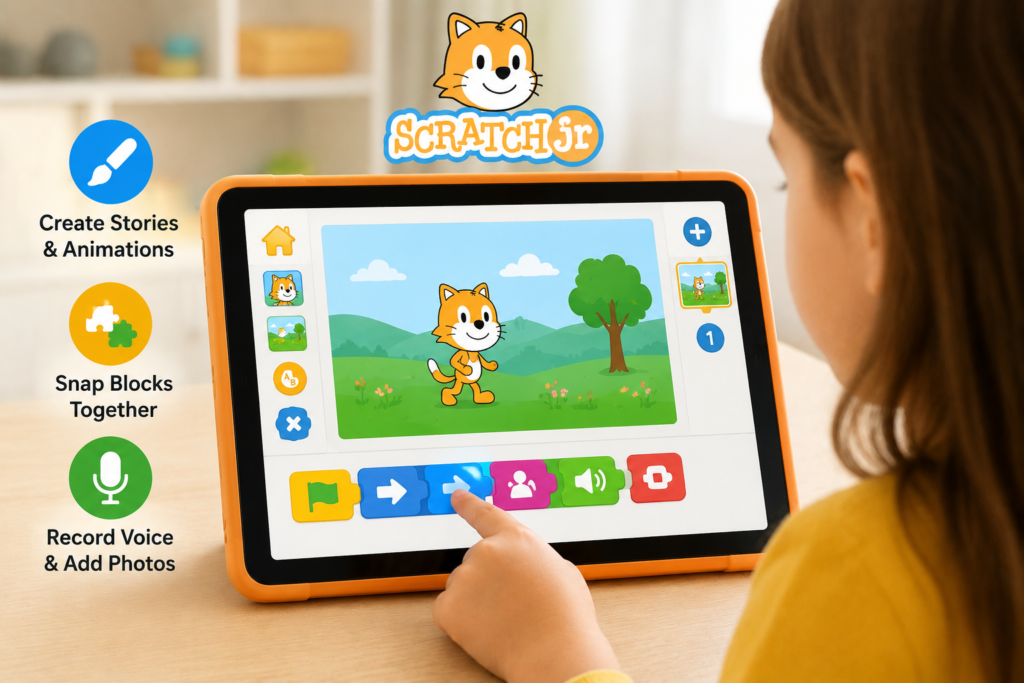
ScratchJr is a different category of tool. Instead of solving pre-built puzzles, kids build their own interactive stories and animations from scratch (no pun intended). They choose characters, snap together color-coded programming blocks to make those characters move, jump, or talk, and can even record their own voice or insert a photo of themselves into the scene.
The app was built by the Lifelong Kindergarten group at MIT Media Lab and the Developmental Technologies group at Tufts University, working with the Playful Invention Company. It’s now maintained by the Scratch Foundation, a nonprofit — and that ownership structure matters more than it sounds like it should.
Here’s the catch parents run into: while the programming blocks themselves are icon-based and don’t require reading, everything around them — menus, project management, some on-screen guidance — assumes a bit more independence than a 4-year-old typically has. Most families find that kids under 6 need an adult sitting next to them for the first several sessions, not because the blocks are hard, but because navigating the interface takes a bit more initiative than tapping arrows on a racetrack.
What ScratchJr gets right, and what keeps it relevant a decade after launch, is that it’s still completely ad-free, still has zero in-app purchases, and still runs offline. In a 2026 app landscape where “free” almost always means monetized somewhere, that’s become a genuine trust signal, not just a nice-to-have.
Our full walkthrough covers setup, first-project pacing, and common sticking points for younger kids: ScratchJr Review 2026 — The Ultimate Guide to Teaching Toddlers Coding
Age 4–5 (Pre-Reader)
Start with CodeKarts. The racetrack format doesn’t need reading, doesn’t need much adult supervision after the first level, and gives fast, satisfying feedback that keeps a short attention span engaged. If you want to try ScratchJr this early, plan to sit with your child through most sessions — it’s usable, just not built for solo play yet at this age.
Age 6–7 (Reading, More Patient)
ScratchJr becomes the stronger pick. By this stage, most kids can navigate menus with less help, and creative output — actually building something instead of solving someone else’s puzzle — starts to matter more than pure logic drills. This is also the age where kids get bored of repetitive puzzle formats and want more ownership over what they’re making.
The Sequencing Strategy (Why Not Both, In Order)
The strongest approach isn’t picking a winner — it’s sequencing the two apps around your child’s development.
Start with CodeKarts around age 4, when reading isn’t there yet but sequencing logic already is. Let your child build confidence with the “if I place these steps in this order, this happens” pattern in a low-frustration, puzzle-based environment. Then, once reading starts to click — usually somewhere around age 6 — move to ScratchJr, where that same sequencing instinct gets applied to something your child actually invents.
This beats picking one app and sticking with it for two reasons. First, a 4-year-old dropped straight into ScratchJr often needs so much parent scaffolding that the “learning” is really the parent doing most of the thinking. Second, a 7-year-old still on CodeKarts has usually outgrown what the app can teach and is just repeating a skill they already have, with nothing new to reach for.
Used in that order, the two apps aren’t competitors. They’re stage one and stage two of the same skill.
Price, Platform, and Privacy Quick Comparison
📱 Code Karts vs. ScratchJr Comparison
| Feature | Code Karts | ScratchJr |
|---|---|---|
| Cost structure | Free download, 10 levels included | Completely free |
| In-app purchases | Yes — one-time unlock for the full 70+ level set | None |
| Ads | None | None |
| Platforms | iOS, Android, Amazon Appstore | iPad and Android tablets (7-inch and larger) |
| Developer | Edoki Academy (certified educators, Montessori-based design) | Scratch Foundation (nonprofit), built with MIT Media Lab & Tufts University |
| Data collection stance | Developer states it does not collect or share children’s personal data | Runs offline; developer discloses data practices per app store listings |
| Reading required | None | Minimal for the blocks themselves; some for menus and navigation |
Both apps land in a similar place on the trust axis — no ads, kid-safe design, developed by teams with actual education credentials rather than generic app-mill studios. The real differentiator for budget-conscious parents is the in-app purchase: CodeKarts eventually asks for a one-time payment to unlock everything, while ScratchJr stays free indefinitely, funded by the nonprofit Scratch Foundation and optional donations.
What Comes After Either App
Once your child has outgrown both — usually somewhere around age 7 or 8, once they’re comfortable building full ScratchJr projects on their own — the next step is typically Scratch itself (the full, text-free block language ScratchJr is based on), or a more structured platform like Tynker or codeSpark that adds game mechanics and guided courses on top of the same visual-programming foundation.
If you’re planning that next stage already, these comparisons cover where kids usually go from here:
- Tynker vs codeSpark: Which Coding App Is Actually Right for Your Child?
- codeSpark Academy Review: Is It Still the Best Coding App for Kids in 2026?
- codeSpark vs. ScratchJr: Which Is Better?
Frequently Asked Questions
❓ Frequently Asked Questions
Is ScratchJr good for a 4-year-old?
Does CodeKarts teach real coding or just logic?
Are there ads or in-app purchases in either app?
Which app should my child use first?

Sachin Sharma is a Tech AI Writer and Chief Editor at N4GM.com, simplifying how AI is transforming education and smart learning since 2019. With deep SEO expertise, he delivers reliable insights on AI learning tools and EdTech trends, helping students and educators navigate the future of technology.