Tynker vs codeSpark: Which Coding App Is Actually Right for Your Child? (2026)
Let me tell you how this article came to be.
A parent in our N4GM community sent me a message: ‘Sachin, I have been on comparison pages for three hours and I am more confused than when I started.’
I understood exactly what she meant. Most comparison articles are written by people who read the pricing page and called it research.
At N4GM, we spent real hours inside both platforms — testing with actual children at different ages, breaking down exactly what your child experiences from login to first project.
This is that article. No hedging. No ‘both are great.’ A real answer.
Every week, parents face the same decision. Their child is ready to learn coding. They have heard of codeSpark. They have heard of Tynker. They do not know which to choose — or whether the choice even matters.
It matters. A six-year-old put on Tynker before they are ready gets frustrated and loses interest. A ten-year-old kept on codeSpark gets bored and stops growing. The right tool at the right age makes the difference between a child who discovers a love for coding and one who tries it once and never goes back.
For children under 6 who can’t read yet, our ScratchJr review explains why it’s the right step before either Tynker or the advanced codeSpark levels.
Section 1: What Are These Apps?
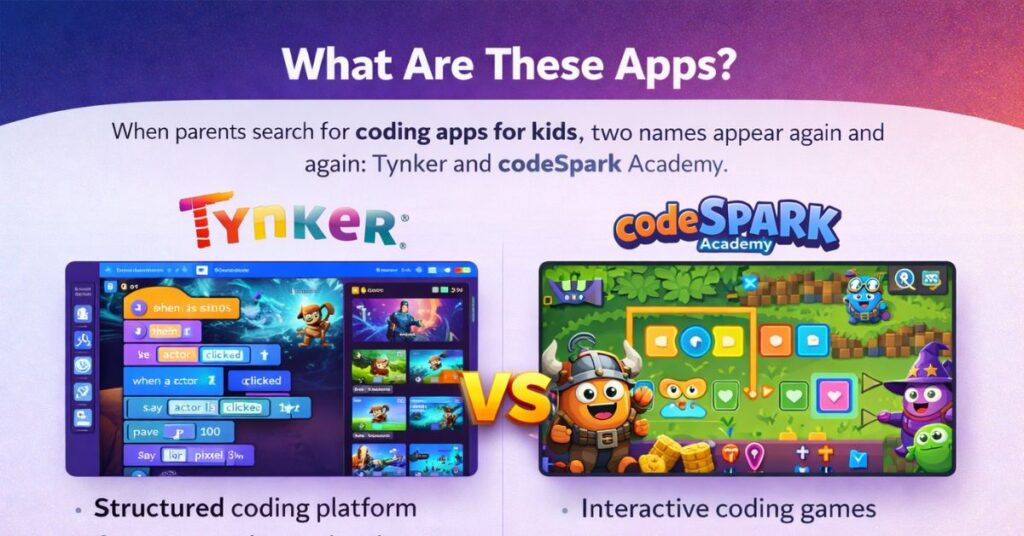
Tynker — The Curriculum Platform
Tynker launched in 2012 and is used in over 100,000 schools across 150 countries. It is built around a structured curriculum — a clear progression from block-based coding for beginners all the way to Python, JavaScript, AI, and data science for older learners.
What sets Tynker apart is its ambition. It is not trying to be a fun gateway into coding. It is trying to be the complete coding education a child needs from age five through to eighteen. Tynker has partnerships with Apple, Google, NASA, LEGO, Minecraft, Mattel, and BBC Learning. kidSAFE certified. COPPA compliant.
codeSpark Academy — The Young Child Specialist
codeSpark launched with one specific goal: teach coding to children who cannot read yet. Their word-free interface is not a gimmick. It is a genuine educational philosophy. The Foos guide children through coding puzzles using only pictures, sounds, and animations.
codeSpark has been used by over 30 million children worldwide. Its focus on ages 4 to 9 is both its greatest strength and its greatest limitation. Within that range, it is arguably the best coding introduction available. Outside that range, it starts to feel limiting.
The most common mistake I see parents make is treating both apps as interchangeable.
They are not interchangeable. They are built for different children at different stages.
Choosing between them is not about which is ‘better.’ It is about which is right for your child’s age right now.
📌 Have You Used This App With Your Kids or Class?
Share your real experience — selected entries get featured on this article with credit.
Submit Your Experience →All submissions are reviewed before publishing. Read our Citation Guidelines.
Section 2: Head-to-Head Comparison
Every rating comes from hands-on testing — not from the platforms’ own marketing.
Section 3: The Age Decision — This Is What Actually Matters
Forget features for a moment. The single most important factor in choosing between Tynker and codeSpark is your child’s age. Everything else is secondary.
| Child’s Age | Start With | Then Move To | Why |
|---|---|---|---|
| 4-6 years | codeSpark | codeSpark (continue) | Word-free = perfect for pre-readers |
| 6-7 years | codeSpark | Tynker Junior at 7 | codeSpark builds confidence first |
| 7-9 years | Tynker Junior | Tynker Main | Block coding with readable text |
| 9-12 years | Tynker | Tynker Advanced | Real language intro begins here |
| 12+ years | Tynker | Python / JavaScript | Direct path to real coding |
The 6 to 7 Year Old — The Tricky Zone
This is where parents get most confused, and for good reason. Both apps claim to serve this age group.
At age six, most children are beginning readers. A screen full of text instructions is still overwhelming. codeSpark’s word-free approach removes that barrier entirely — your child focuses on the coding concept, not decoding instructions.
By age seven, most children are reading confidently. Tynker Junior’s guided text approach then becomes an advantage — it reinforces reading while teaching coding. The dual learning is genuinely valuable.
Our recommendation: Start with codeSpark at six. If your child is a confident early reader at six, go straight to Tynker Junior. By seven, most children should be on Tynker.
I tested both apps with a group of six-year-olds in our Little AI Masters community.
At that age, independence matters enormously for motivation.
Section 4: Where Each App Actually Shines
Where Tynker Wins
1. The Long Game
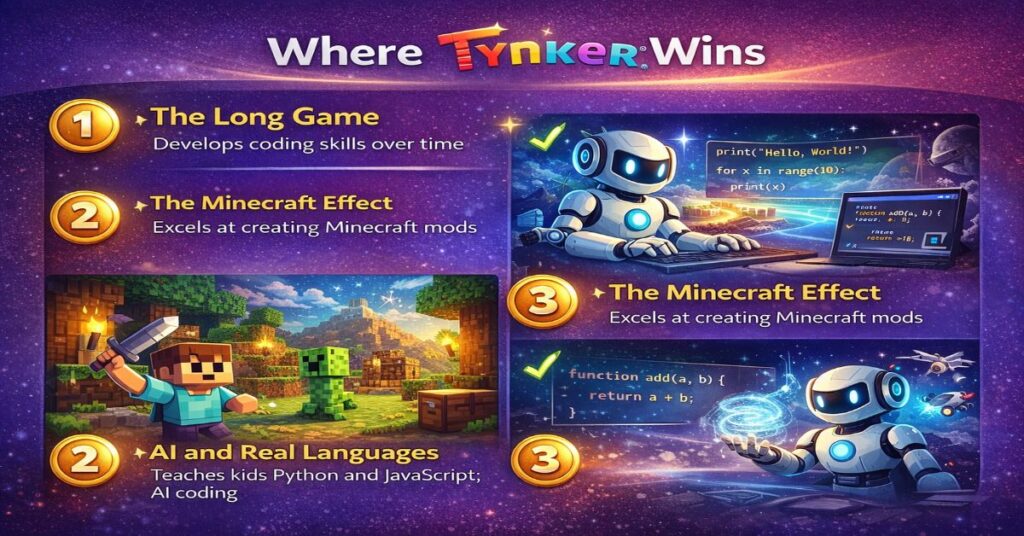
This is Tynker’s most significant advantage and it is not close. codeSpark will take your child to a certain level and then stop. Tynker can take your child from their first block-coding experience all the way to writing Python, building apps, and understanding AI concepts.
If you are making a long-term investment, Tynker’s lifetime plan makes financial sense. Pay once. Your child has access from age five through their teens. No platform switching. No re-learning a new interface. Continuous, escalating challenge.
2. The Minecraft Effect
I have seen this happen dozens of times in our N4GM community. A parent says their child has no interest in coding. But the same child plays Minecraft for three hours every weekend. They start Tynker’s Mod Creator. Two weeks later, they have built a custom Minecraft skin using code they wrote themselves.
The interest in coding was never the problem — the connection to something they cared about was missing. codeSpark has no equivalent to this. If your child loves Minecraft, Tynker is not even a competition.
3. AI and Real Languages
codeSpark teaches computational thinking through games. Tynker teaches computational thinking and then transitions to actual programming languages. For a child who wants to understand how AI works — not just use it — Tynker’s dedicated AI and machine learning courses are genuinely impressive.
When your child finishes Tynker’s advanced courses, our Google AI Quests review shows the next frontier — Stanford-backed AI literacy for ages 10–14, completely free.
Where codeSpark Wins
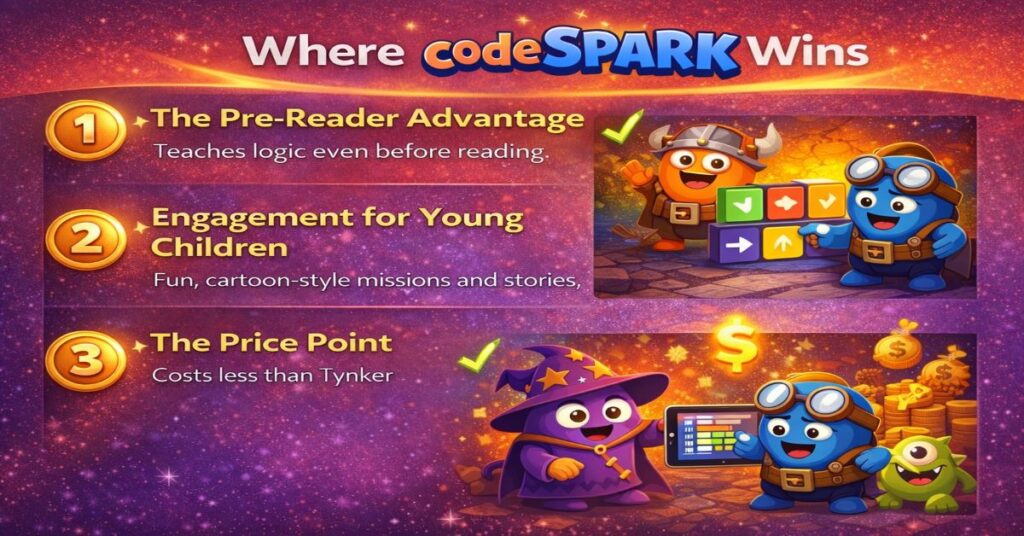
1. The Pre-Reader Advantage
This is codeSpark’s defining feature and it is genuinely excellent. The word-free interface is not just convenient for young children — it is educationally significant. When a four-year-old does not have to decode text instructions, their entire mental capacity goes into understanding the coding concept.
The result is remarkable: children who genuinely cannot read can genuinely learn to code. Not pretend-code. Actually understand sequencing, loops, and conditional logic. That is a real achievement.
2. Engagement for Young Children
I will be honest: codeSpark’s characters are more engaging for young children than Tynker’s interface. The Foos are charming, and children form genuine attachments to them. Tynker is well-designed but has more of an ‘educational software’ feel. For a five-year-old, that difference matters.
Engagement drives repetition. Repetition drives learning. A child who loves their codeSpark characters will come back every day. Emotional engagement at this age is not a superficial consideration — it is a core learning driver.
3. The Price Point
codeSpark is meaningfully cheaper than Tynker. If you are not sure whether your child will stick with coding, codeSpark’s lower price point makes it a lower-risk first experiment. Try it for three months. If your child loves it, migrate to Tynker. You have not wasted a lot of money, and your child has a solid foundation.
Section 5: Real Parent Scenarios — Exactly Which App For Which Child
Theory is useful. Real scenarios are more useful. These are the most common questions parents ask in our N4GM community.
Scenario 1: My Daughter Is 5, Loves Puzzles But Cannot Read Yet
Answer: codeSpark, without hesitation. The word-free interface was literally designed for this child. She will be navigating it independently within a week.
Scenario 2: My Son Is 8, Plays Minecraft, Never Tried Coding
Answer: Tynker, specifically starting with Mod Creator. This is the exact child Tynker’s Minecraft integration was built for. He will be writing code to create custom Minecraft content within two weeks.
Scenario 3: My Child Is 6 — Is It Too Early For Tynker?
Answer: Probably yes, unless your child is an unusually confident early reader. codeSpark for another year, then Tynker Junior at seven. Do not rush this — there is no advantage to starting earlier than your child is ready.
Scenario 4: My Daughter Is 10 And Tried codeSpark Two Years Ago But Got Bored
Answer: Tynker’s intermediate courses. codeSpark topped out for her — this is expected. Tynker’s 9–12 curriculum is exactly what she needs. The Python introduction will likely catch her interest within a month.
Scenario 5: My Child Is Interested In AI Specifically
Answer: Tynker. codeSpark has no AI content. Tynker has dedicated AI and machine learning courses. Pair with our AI Riddles series for conceptual foundation — that combination is genuinely powerful.
Exploring other beginner options alongside codeSpark? Our codeSpark vs ABCmouse comparison covers the other popular choice for the 4–8 age group.
Section 6: Honest Weaknesses — What Neither App Tells You
Tynker’s Real Weaknesses
The Android App Problem
Tynker’s Android app has a 2.5 out of 5 rating. Parents consistently report lag, crashes, and missing features compared to iOS. If your household is Android-only, use the browser version rather than the app — it performs significantly better.
Auto-Renewal Is On By Default
This catches parents off guard regularly. Turn it off manually from the parent dashboard immediately after purchase. Put a reminder in your calendar on the day you sign up.
The Free Version Is Not Really Free
Sixty minutes per month is not enough to evaluate whether Tynker is right for your child. Use the 30-day money-back guarantee instead — pay for one month, evaluate properly, refund if it does not work.
codeSpark’s Real Weaknesses
The Ceiling Is Real
Most children hit codeSpark’s ceiling around ages nine to ten. This is not a criticism — it is a design choice. But parents should know: codeSpark is a beginning, not a complete journey.
No Path to Real Languages
A child who spends three years on codeSpark has learned genuine coding concepts. But when they eventually move to Python, they are starting from zero syntax knowledge. Tynker’s block-to-text transition is significantly smoother.
✏️ Sachin’s Testing Note
A parent asked me: ‘Is it bad that my child has been on codeSpark for two years and seems happy?’
No — it is not bad at all. Happy coding is good coding.
But if that child is now eight or nine and still on codeSpark, it is probably time to gently introduce Tynker.
Not because codeSpark has failed — it has succeeded.
But because the next challenge is waiting.
Section 7: Pricing — The Honest Numbers
codeSpark
Pricing Plans
Tynker
Pricing Plans
Best value recommendation: For children aged 7+, Tynker’s lifetime plan is the smartest investment. Two years of annual billing costs more than the lifetime plan. Pay once, your child has access through their teens.
codeSpark for 6 months (ages 4–7)
~$30–50 total — builds confidence word-free
Tynker Lifetime Plan (at age 7)
~$240 one-time — all the way to university prep
Comparable to 3–4 months of private coding tutoring.
Section 8: The AI Literacy Connection
I want to say something I think is genuinely important, separate from features and pricing.
The children who will navigate an AI-driven world most successfully are not the ones who use AI tools most fluently. They are the ones who understand how those tools work — who can think computationally, reason about systems, and adapt to tools that do not yet exist.
Both Tynker and codeSpark contribute to that foundation. codeSpark builds the logical thinking and pattern recognition that underpin all coding. Tynker builds those skills and connects them to real languages, real AI concepts, and real computational thinking.
At N4GM, we have spent years studying what makes children AI-ready. Our Tricky Riddles to Outsmart an AI series is designed to show children exactly where human thinking outperforms machine logic — a concept far more empowering than simply teaching kids to use ChatGPT.
🎓 TAKE THE NEXT STEP — LITTLE AI MASTERS PROGRAM
28-day program · Ages 8–14 · N4GM
If you want your child to go beyond both apps and actually build AI-powered projects, our 28-day Little AI Masters program at N4GM is designed for exactly that.
Children aged 8–14 learn Python fundamentals, build real AI tools, and develop computational thinking skills that define the next decade of careers.
Section 9: Our Final Verdict
N4GM Verdict: codeSpark for Ages 4–6
Independent Review · n4gm.com
For children who cannot yet read confidently, codeSpark is the clear winner. The word-free interface removes every barrier that would get in the way of a young child’s first coding experience. It is engaging, safe, and genuinely educational. There is no better coding introduction for pre-readers.
N4GM Verdict: Tynker for Ages 7 and Above
Independent Review · n4gm.com
From age seven onwards, Tynker is the better long-term choice in almost every scenario. The breadth of curriculum, the progression to real languages, the Minecraft integration, and the parent dashboard make it significantly more valuable for school-age children. The lifetime plan is one of the best investments in children’s education technology available.
Child aged 4–6: Start with codeSpark today.
Child aged 7–14: Start with Tynker today.
Children of different ages: Younger on codeSpark, older on Tynker.
Not sure: codeSpark’s lower price makes it a lower-risk first experiment.
Both are safe, educationally sound, and worth your investment.
The question was never whether to start — it was which one. Now you know.
Frequently Asked Questions

Sachin Sharma is a Tech AI Writer and Chief Editor at N4GM.com, simplifying how AI is transforming education and smart learning since 2019. With deep SEO expertise, he delivers reliable insights on AI learning tools and EdTech trends, helping students and educators navigate the future of technology.