Tynker Review for Parents 2026 – Is It Really Worth It? An Honest, Hands-On Look
Tynker is one of the most complete coding platforms available for children aged 5 to 14. It works best for kids who are self-motivated learners and parents who want a structured, game-based curriculum that progresses from simple block coding all the way to Python.
The pricing is fair for families with multiple children. The main drawback is that the free version is quite limited — you will need a paid plan to experience what Tynker actually offers.
Every few months, a parent in our community asks the same question: ‘Should I get Tynker for my child?’ It is a fair question. The internet is full of coding platforms for kids, and it is genuinely hard to know which ones are worth your time and money — and which ones your child will abandon after three days.
So we did what we always do at N4GM. We spent real time inside the platform, tested it across different age groups, read through hundreds of parent reviews, and looked at it critically — not just from a features perspective, but from a child development and learning psychology standpoint.
This is everything we found.
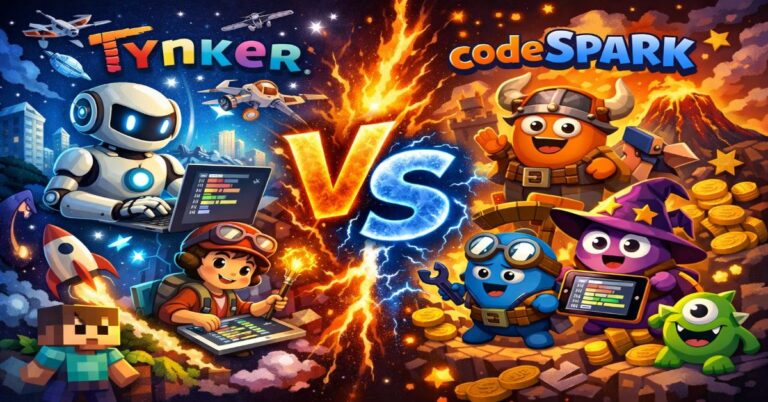
Not sure between Tynker and codeSpark? We’ve published a full Tynker vs codeSpark comparison with age-by-age guidance — read that first if you’re deciding between the two.
Recommended Reading: How AI Riddles Build the Same Logic Skills Tynker Teaches
What Is Tynker? (The 60-Second Version)
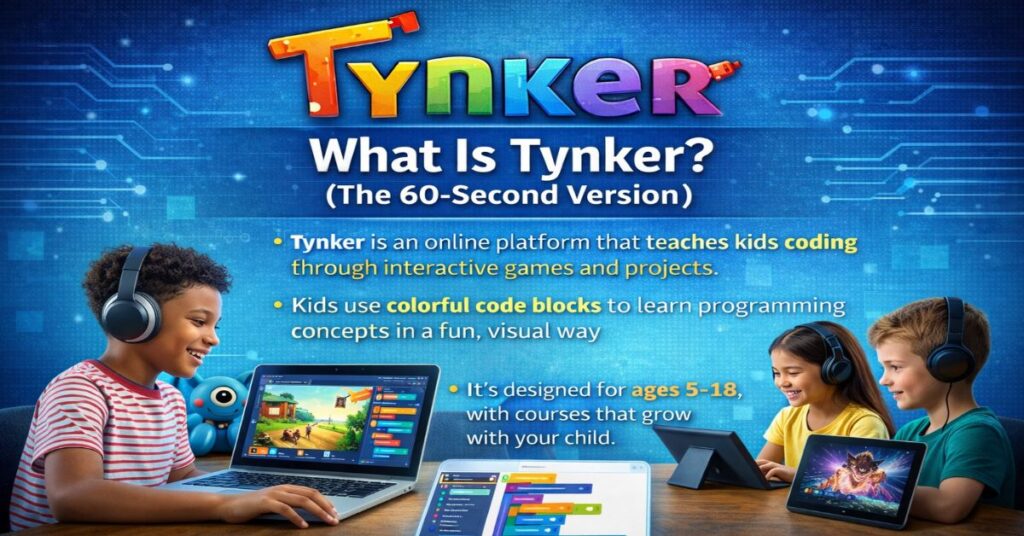
Tynker is an online coding platform designed for children between the ages of 5 and 18. It started in 2012 and has since grown into one of the most widely used coding tools in schools and homes globally. The platform teaches kids to code through a combination of story-based puzzles, interactive games, and structured courses.
What makes Tynker different from a lot of competitors is its progression model. A five-year-old can start with Tynker Junior using picture-based coding blocks that require no reading at all. By the time that child is twelve, the same platform can teach them Python, JavaScript, and even basic AI and data science concepts.
That kind of long-term progression is rare — and it is genuinely valuable for parents who want one platform that grows with their child rather than switching every two years.
Who Is Tynker Actually For?
This is where a lot of reviews go wrong. They describe Tynker as a platform ‘for all kids’ — but that is not entirely accurate. Tynker works brilliantly for some children and less well for others. Here is an honest breakdown:
- ✓ Kids aged 5–14 who are beginners
- ✓ Self-motivated learners who enjoy games
- ✓ Families with 2–3 children (family plan value)
- ✓ Children interested in Minecraft / game design
- ✓ Kids who want to reach Python step by step
- ✗ Children who need one-on-one human coaching
- ✗ Older teens looking for advanced CS (16+)
- ✗ Kids who lose interest without physical rewards
- ✗ Parents on a very tight budget (free version is limited)
- ✗ Children who learn better in a classroom setting
Core Features — What You Actually Get
1. Tynker Junior (Ages 4–7)
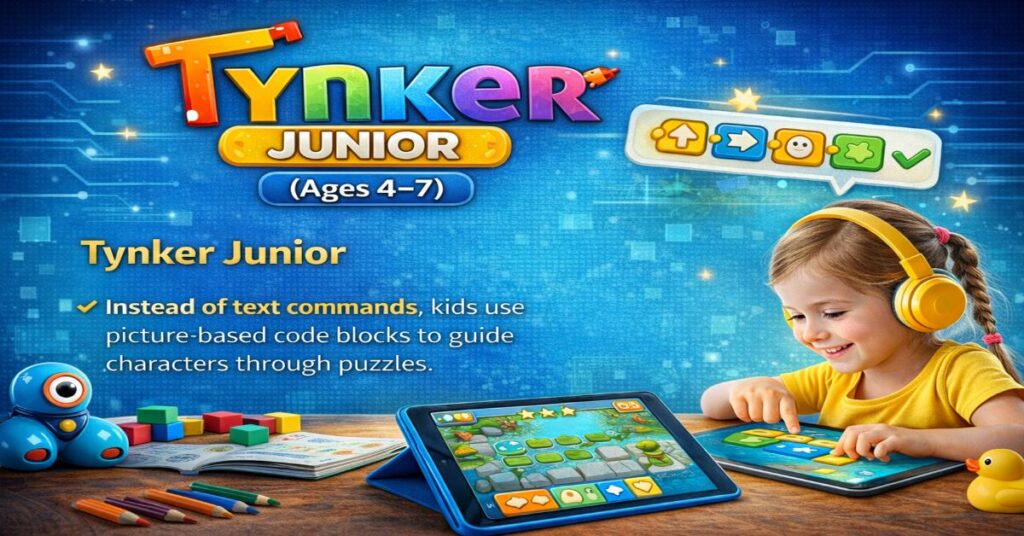
This is Tynker’s entry-level app for children who are still learning to read. Instead of text commands, kids use picture-based code blocks to guide characters through puzzles. There is no reading required — which is genuinely impressive for a coding app.
The activities are charming: helping robots navigate factories, guiding animals through jungles, and building simple animations. More importantly, the logic underneath these activities is solid. Kids are genuinely learning sequencing, loops, and cause-and-effect — not just tapping random buttons hoping something happens.
2. Main Tynker Platform (Ages 7–14)
This is where Tynker spends most of its effort — and it shows. The main platform includes 70+ courses organized across six learning pathways, covering everything from basic block coding to Python, JavaScript, HTML, and CSS.
The game-based structure works well. Courses are built around themes kids care about: Minecraft mods, game design, animation, robotics, and music. Rather than sitting through abstract lectures, a child learning about loops might be building a game where a character repeats actions until a goal is reached. The concept lands because it matters to the project they are building.
The parent dashboard is genuinely useful. You can see which courses your child has completed, how long they have spent on each one, and what concepts they have mastered — all in a clean, readable format.
3. Mod Creator (Ages 8–14)
This is Tynker’s Minecraft integration — and it is one of the platform’s smartest features. Children who are already spending hours in Minecraft can use Mod Creator to build custom skins, mods, and add-ons using block coding. It is a brilliant example of meeting kids where they already are, rather than asking them to abandon something they love.
From a parent’s perspective, this feature alone has converted many reluctant coders into enthusiastic ones.
4. Advanced Courses (Ages 12–18)
At the more advanced end, Tynker offers courses in Python, JavaScript, data science, and even basic AI and image processing. These are real programming concepts — not simplified simulations. A motivated 13-year-old who works through Tynker’s full Python curriculum will have a meaningful foundation in actual programming.
Our Honest Scores
Why the free version scores low: The free tier gives you just enough to understand what Tynker offers, but not enough to judge whether it will actually work for your child. A 7-day free trial on the Junior app is available, and a handful of web courses are free — but the core curriculum requires a paid subscription.
Tynker Pricing 2026 — Every Plan Explained
Tynker offers three main plan types. All plans include access for the specified number of children and cover both the web platform and iPad apps.
Choosing the Right Plan
| Plan Type | Cost | Children | Best For… |
|---|---|---|---|
| Individual Quarterly | ~$60 / 3 mo | 1 child | Try before committing |
| Individual Yearly | ~$120 / yr | 1 child | Single child, long-term |
| Individual Lifetime | ~$240 Once | 1 child | Long-term single child |
| Family Quarterly | ~$90 / 3 mo | Up to 3 | Families testing Tynker |
| Family Yearly ⭐ | ~$180 / yr | Up to 3 | Best value for most families |
| Family Lifetime | ~$360 Once | Up to 3 | Committed long-term families |
*Prices are approximate and subject to Tynker’s current seasonal offers.
For families with two or more children, the Family Yearly plan at around $180/year works out to roughly $90 per child per year — or about $7.50 per month. For unlimited access to 70+ courses, that is genuinely competitive pricing.
The Lifetime plan makes sense if your children are between the ages of 5 and 12, since they have many years of learning ahead.
Note: Always check Tynker’s website directly for current pricing, as promotional discounts of up to 60% often appear during holiday periods.
✅ Pros and Cons — The Honest List
- ✓ Grows with the child from age 5 to 18
- ✓ Genuine progression to Python / JavaScript
- ✓ kidSAFE certified, no ads in student area
- ✓ 70+ courses covering diverse topics
- ✓ Family plan covers up to 3 children
- ✓ Minecraft Mod Creator is a standout feature
- ✓ 30-day money-back guarantee
- ✓ Parent dashboard shows real progress data
- ✗ Free version is very limited in practice
- ✗ Android app has no subscription — web only
- ✗ Auto-renewal is ON by default — easy to forget
- ✗ Some older kids find early modules too easy
- ✗ Live classes cost extra beyond subscription
- ✗ App can have occasional performance bugs
- ✗ No human tutor included in standard plans
- ✗ Content for 16+ is more limited than competitors
How Tynker Supports AI Literacy in 2026
This is a section most reviews skip — and it is increasingly important. As AI tools become part of everyday life, parents are right to ask: does this platform prepare my child for an AI-driven world, not just for coding in the traditional sense?
The honest answer is: partially. Tynker’s advanced courses now include dedicated content on AI and image processing for older students. Kids can build basic machine-learning projects and understand how algorithms process data. For a child aged 12 to 14, this is genuinely forward-thinking curriculum.
However, the AI content on Tynker is an add-on, not a core thread running through the whole platform. For younger children, the focus remains on computational thinking — which is the right foundation, but it does not yet integrate AI-specific literacy the way we at N4GM believe future platforms will need to.
Tynker vs codeSpark vs Scratch — Quick Comparison
Parents often find themselves choosing between Tynker, codeSpark Academy, and Scratch. Here is how they compare on the factors that matter most:
Tynker vs. codeSpark vs. Scratch
| Feature | Tynker | codeSpark | Scratch |
|---|---|---|---|
| Best Age Range | 5 – 18 | 4 – 10 | 8 – 16 |
| Reaches Python | Yes | No | No |
| Completely Free | No | No | Yes |
| No Reading Required | Tynker Jr only | Yes | No |
| Minecraft Integration | Yes | No | No |
| Parent Dashboard | Yes | Yes | No |
| AI / ML Content | Advanced level | No | Community only |
| kidSAFE Certified | Yes | Yes | Yes |
| N4GM Overall Score | 8.2 / 10 | 7.8 / 10 | 7.5 / 10 |
If your child is under 6 and still learning to read, our ScratchJr review explains why that’s a better starting point than Tynker Junior at that age.
🔒 Privacy & Safety — What Parents Need to Know
This is non-negotiable for any platform your child uses. Here is what Tynker’s safety record looks like:
- kidSAFE Seal Program certified — Tynker’s student area meets the safety standards required for children’s platforms
- No advertising in the student experience — kids do not see ads while learning
- Personal data is not sold to third parties for advertising purposes
- COPPA compliant — the platform follows U.S. Children’s Online Privacy Protection guidelines
- Community content exists but is moderated — the project-sharing area is supervised
One thing to be aware of: Tynker’s privacy policy does mention that some data is shared with third parties for operational purposes (such as analytics). This is standard for most EdTech platforms, but it is worth reading if data privacy is a priority for your family.
🚀 How to Get Started With Tynker in 4 Steps
- Try the free version first — visit Tynker.com and create a free parent account. Explore the available free courses to get a sense of the interface and your child’s initial reaction.
- Choose the right starting point — if your child is under 7 and still learning to read, start with Tynker Junior. If they are 7 or older, go directly to the main Tynker platform.
- Pick a plan during a sale — Tynker runs 40-60% discount promotions regularly, especially around school holidays. Sign up for their newsletter to catch these windows.
- Turn off auto-renewal immediately after subscribing — go to the Parent Dashboard, find your subscription, and disable automatic renewal if you do not want to be charged at the end of your term.
Tynker subscriptions are set to auto-renew by default. This is easy to forget. Log into your Parent Dashboard immediately after subscribing and disable automatic renewal if you prefer to manually decide whether to continue at the end of your plan period.
30-Day Money-Back Guarantee: The 30-day money-back guarantee applies if Tynker does not work out — contact [email protected] within 30 days.
🏆 Final Verdict — Should You Get Tynker in 2026?
Tynker earns its reputation. It is one of the few coding platforms that can genuinely accompany a child from their first puzzle at age five all the way to writing real Python code at fourteen. The curriculum is well-designed, the game-based approach keeps kids engaged, and the parent dashboard gives you meaningful visibility into what your child is actually learning.
The free version is disappointingly limited — you really do need to try a paid plan to judge the platform fairly. And if your child needs human guidance or one-on-one coaching, Tynker alone will not provide that.
But for self-motivated learners who enjoy working through puzzles and games independently, Tynker is one of the strongest options available in 2026. The Family Yearly plan, in particular, represents good value for households with more than one child.
Your child is aged 5–14 and you want structured, progressive coding education that grows with them.
Your child is a total beginner under 7. Try Tynker Junior first before committing to a full subscription.
Your child is 15 or older, or needs live instruction. Look at more advanced text-based platforms instead.

Sachin Sharma is a Tech AI Writer and Chief Editor at N4GM.com, simplifying how AI is transforming education and smart learning since 2019. With deep SEO expertise, he delivers reliable insights on AI learning tools and EdTech trends, helping students and educators navigate the future of technology.